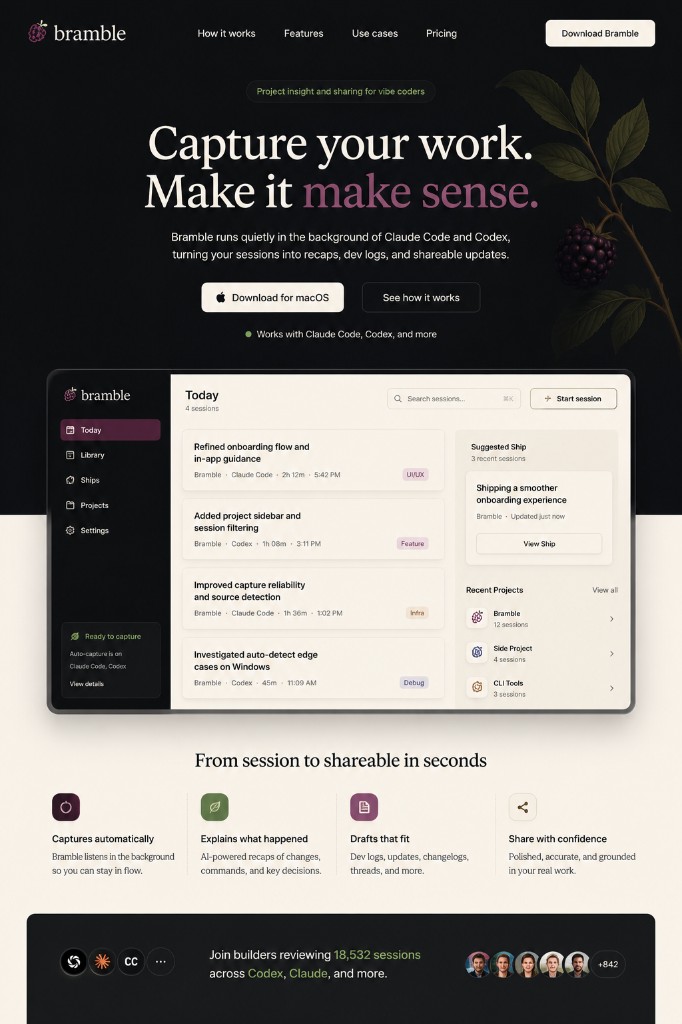
How it works
Capture the session. Keep the thread.
Share the progress.
Bramble runs alongside your AI coding tools, turns the captured work into structured notes, and helps you pick up or share from a cleaner starting point.
How it works
1. Build with your AI coding tools
Work the way you already do in Claude Code, Codex, Cursor, or your local project. Prompt, inspect files, run commands, retry, fix, and explore.
Bramble is built for real sessions, including messy ones.
2. Bramble captures the work
Bramble records the useful signals from your session: prompts, files, commands, errors, project paths, and changes. It avoids treating every tiny source fragment as a meaningful session.
The goal is not raw logging. The goal is a useful record of project work.
3. It understands what changed
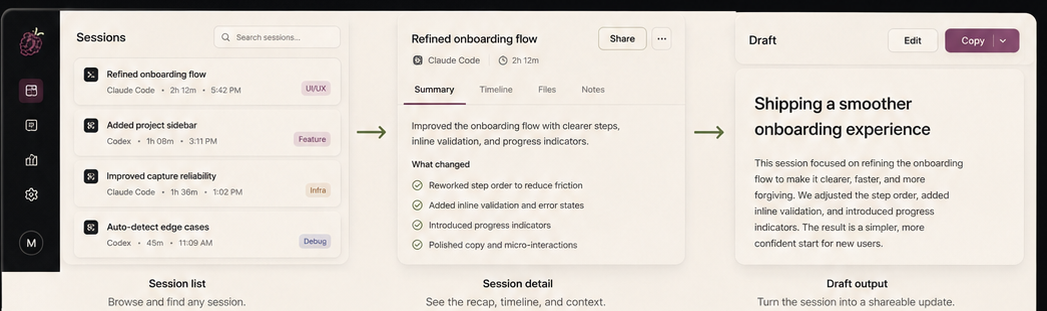
Bramble translates technical activity into project meaning. Instead of only saying which files changed, it explains what those changes did for the product, workflow, or project.
4. It remembers the project
Each session updates the larger project memory. Bramble tracks recent wins, unresolved threads, recurring issues, important files, and where you left off.
That means future sessions start with context, not a blank slate.
5. It creates notes and drafts
Open a session and see a clear recap, still-open items, and drafts for different ways to share the work: short update, dev log, changelog, or a bigger Ship.
Bramble helps you decide what is worth sharing, not just generate text for everything.
6. You pick up or publish
Use the notes to continue the project, or use the drafts to share progress with the world. The point is to leave the session with something useful.
Designed for messy real work
- Sessions can be recovered if the app quits or a source writes partial logs.
- Noisy fragments can be suppressed or attached to the right session.
- Model calls are routed by cost, speed, and quality.
- Artifacts are checked before they are treated as ready.
- Private data is minimized and redacted before leaving the app.