Use cases

For the people building
with agents.

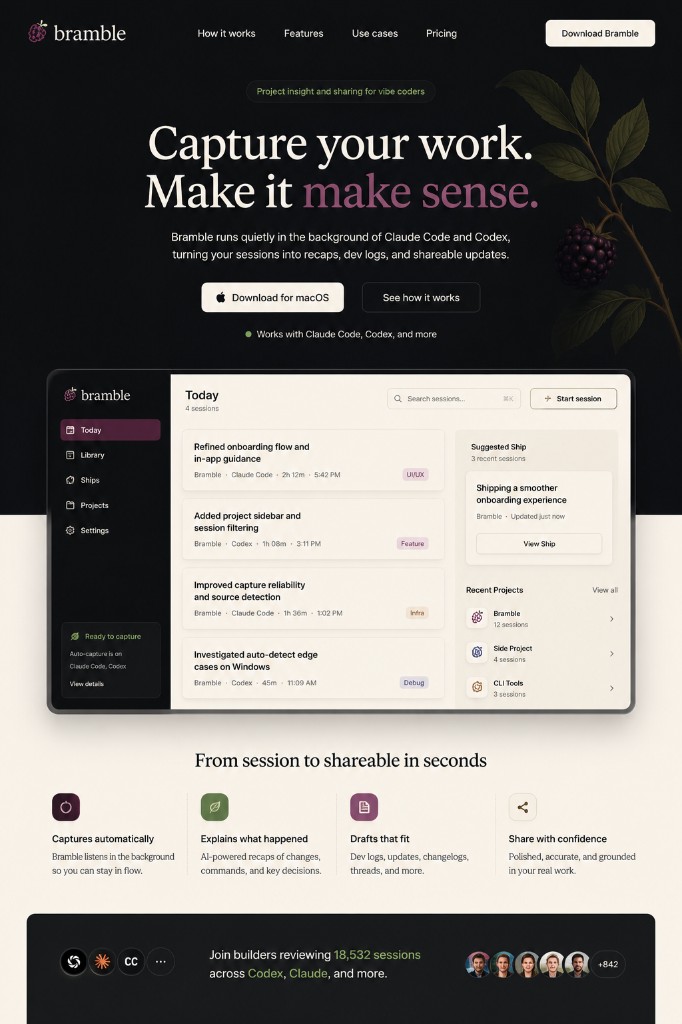
Bramble helps you keep the thread across AI-assisted work, whether you are coding a side project, prototyping a product, or turning progress into public updates.

See how it works
Bramble session detail showing notes and share drafts

Eight ways people use Bramble

A. Keep side projects alive

For hobbyist vibe coders — You come back to a project after a week and cannot remember what worked, what broke, or what the agent changed. Bramble keeps the session notes, open threads, and next prompt ready.

  • Less “what was I doing?” and more “I know where to pick up.”
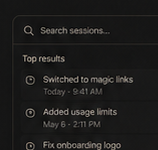
Bramble session search showing recent project activity

B. Turn building into updates

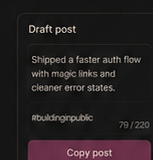
For indie builders — You are shipping in public, but writing updates after every session is a drag. Bramble turns useful sessions into short updates, dev logs, changelogs, or bigger Ships.

  • Share progress without turning every build session into a writing session.
Bramble draft preview for sharing build progress

C. Explain what changed without rereading logs

For founders — You use agents to move product work forward, but you still need to explain progress to teammates, users, investors, or yourself. Bramble gives you clear notes and drafts grounded in what actually changed.

  • Better updates from messier build sessions.
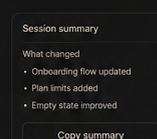
Bramble session summary ready to copy and share

D. Understand the product impact

For PMs and designers — You may not care which file changed. You care what the change means for the product. Bramble translates technical activity into human-readable product meaning.

  • Know whether the session changed UX, copy, behavior, setup, or internal logic.
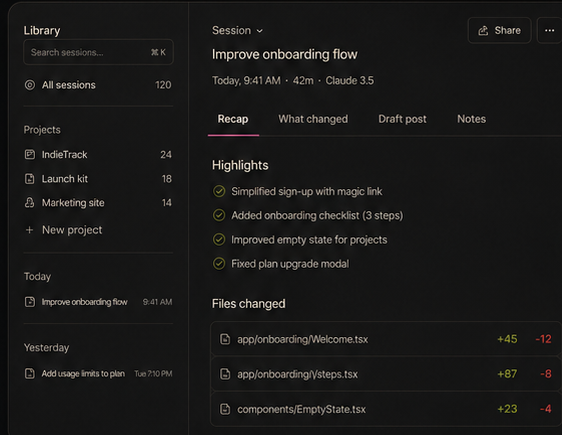
Bramble session recap with human-readable changes

E. Keep better notes from agent work

For developers — Claude Code, Codex, and Cursor can generate a lot of activity quickly. Bramble gives you a cleaner record of decisions, fixes, files, blockers, and next steps.

  • Less archaeology when you need to understand what changed.
Bramble Library showing captured AI coding sessions

F. Share the work without exposing the mess

For collaborators — Not everyone needs the raw transcript. Bramble helps you turn a chaotic session into a clear summary, changelog, or Ship that other people can understand.

  • Better handoffs from AI-assisted work.
Bramble draft ready for teammates or collaborators

G. See what you are learning

For people learning through projects — Every session teaches you something: where the project lives, how a workflow works, what broke, what fixed it, what still needs testing. Bramble keeps those lessons from disappearing.

  • Your project history becomes a learning record.
Bramble session notes from a learning build session

H. Find the story in the work

For build-in-public creators — Some sessions are too small to post. Some belong together. Bramble helps identify the share angle and group related sessions into bigger stories.

  • More signal, less posting for posting’s sake.
Bramble Ship draft from related sessions

Whatever you build with AI, keep the thread.

Bramble helps you remember the work, continue from the right place, and share the progress when it is worth sharing.